How it works
From “How do I do this?” to “I’ve got it.”
A simple model: set up once at the agency level, make training available across your customers, and let customers learn where they work.
How does UpLevel work?
The architecture
- Sub-account 1
- Sub-account 2
- Sub-account 3
- Sub-account 4
Four steps
- 01
Add UpLevel
Set up UpLevel at the agency level and make training available across your customer sub-accounts.
- 02
Help appears where customers work
Customers can access unbranded HighLevel tutorials from within their software experience.
- 03
Customers learn on demand
When customers need help, they can get guidance without waiting for your team.
- 04
Your team stays focused
Your people can spend more time on the questions that actually require their expertise.
Setup & installation
Setup happens at the agency level, so you don’t configure training account by account, but you can.
Specific steps and prerequisites are confirmed during setup.
Deployment across sub-accounts
Once set up, training is made available across your customer sub-accounts. The current offering supports unlimited sub-accounts.
The customer help experience
- Customer gets stuck
- Opens UpLevel
- Finds tutorial
- Learns
- Keeps working
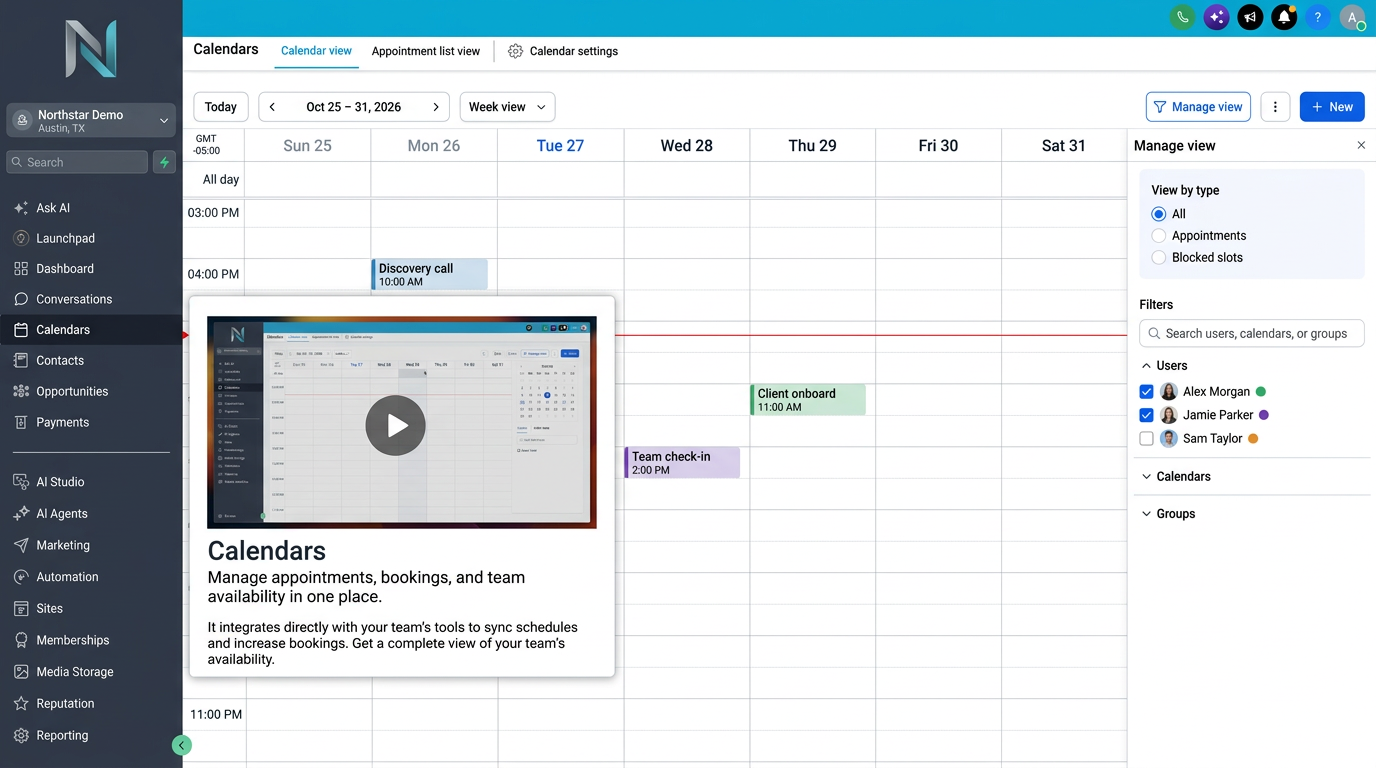
The learning experience
Customers get unbranded HighLevel tutorials they can use on demand, inside the software they already use, without leaving to search elsewhere.
Keeping tutorials current
UpLevel maintains the training library, so your team doesn’t have to recreate tutorials as HighLevel changes.
Implementation FAQs
How is UpLevel set up?
UpLevel is set up at the agency level, then training is made available across your customer sub-accounts. Exact setup steps are confirmed during onboarding.
Can we use UpLevel across multiple sub-accounts?
The current UpLevel offering supports unlimited sub-accounts.
Does UpLevel replace our support team?
No. UpLevel is designed to handle repeatable software education, not replace your agency’s strategic, technical, or customer-specific support.
Who do our customers contact for account-specific help?
Your agency. UpLevel handles repeatable HighLevel education; your team remains the contact for strategy, configuration, and business-specific questions.
Guide your customers.Free your team.Scale your SaaS.
Give your HighLevel customers help where they need it and give your team more time to focus on the work that actually needs them.
MORE CUSTOMERS. NOT MORE SUPPORT.